Your shopping cart is empty!

 English
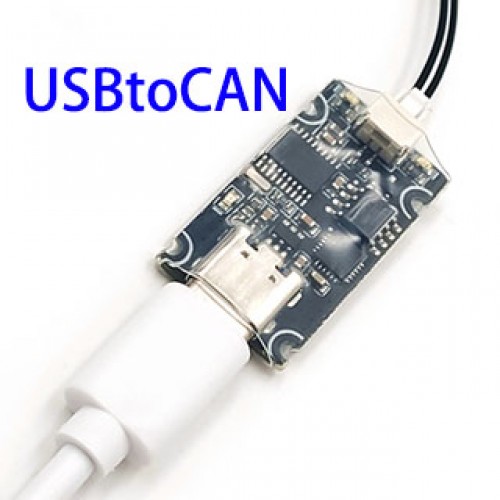
USBtoCAN for MIT robot dog motors
Product Code: 2588001
Availability: 995
Availability: 995
Price: $45.63
Ex Tax: $45.63
Ex Tax: $45.63
Qty:
- OR -
Add to Wish List
Add to Compare
Add to Compare
2588001 USBtoCAN for MIT robot dog motors
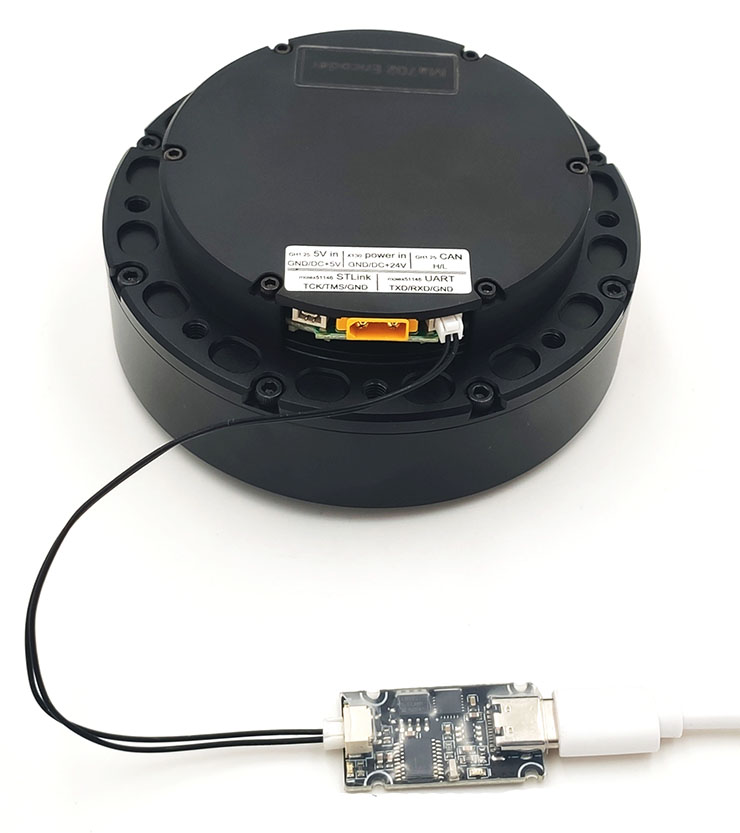
1. Driver CAN command
Send CAN command to driver to control the motor position, speed, and current.
Special CAN command
1 Enter motor control mode {0xFF, 0xFF, 0xFF, 0xFF, 0xFF, 0xFF, 0xFF, 0xFC}
2 Exit motor control mode {0xFF, 0xFF, 0xFF, 0xFF, 0xFF, 0xFF, 0xFF, 0xFD}
3 Set current position as zero position {0xFF, 0xFF, 0xFF, 0xFF, 0xFF, 0xFF, 0xFF, 0xFE}
Identifier: 0x00 Standard Frame Frame Format: DATA DLC: 8 bytes
| DATA[0] | DATA[1] | DATA[2] | DATA[3] | DATA[4] | DATA[5] | DATA[6] | DATA[7] | |||
| Data bit | 7-0 | 7-0 | 7-0 | 7-0 | 7-4 | 3-0 | 7-0 | 7-4 | 3-0 | 7-0 |
| Content | high 8 bits | low 8 bits | high 8 bits | low 4 bits | high 4 bits | low 8 bits | high 8 bits | low 4 bits | high 4 bits | low 4 bits |
| Motor position | Motor speed | KP | KD | torque | ||||||
| Value | -95.5 to 95.5 rad | -30 to 30 rad/s | -18 to 18 Nm | |||||||
Motor CAN feedback
Identifier: 0x00 + Driver ID Standard Frame Frame Format: DATA DLC: 8 bytes
| DATA[0] | DATA[1] | DATA[2] | DATA[3] | DATA[4] | DATA[5] | ||
| Data bit | 7-0 | 7-0 | 7-0 | 7-0 | 7-4 | 3-0 | 7-0 |
| Content | 8 bits | high 8 bits | low 8 bits | High 8 bits | low 4 bits | high 4 bits | low 8 bits |
| Driver ID | Motor position | Motor speed | Motor torque | ||||
| Value | -95.5 to 95.5 rad | -30 to 30 rad/s | -18 to 18 Nm | ||||
2. Program
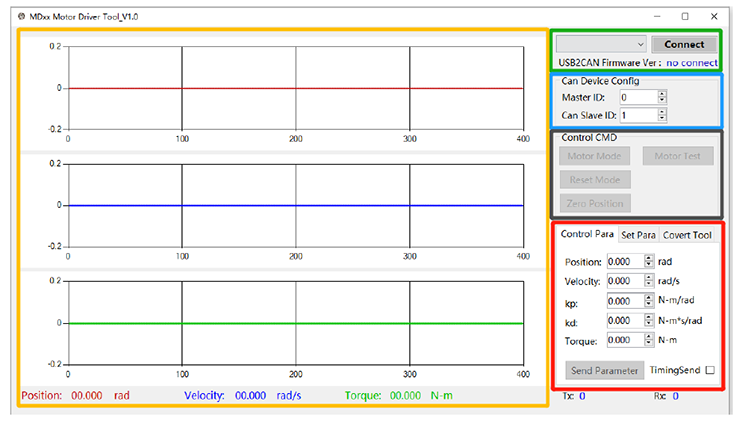
There is a program which can running together with the USBtoCAN. It simplifies the use of CAN command.
For example, you just input following data to run the motor 1 turn without load. After you input these data, please click send parameter to run the command.
Position: 6.28
Velocity: 0.0
kp: 15.0
kd: 0.2
torque: 0
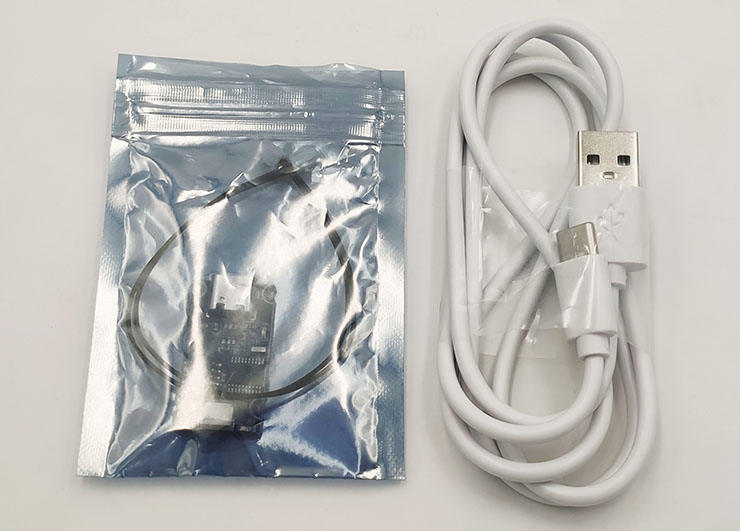
3. Package
Copyright © 2003-2017 by SMC Powers Ltd. All Rights Reserved. Email: shop@smc-powers.com Skype:smc-power